Last updated: November 16, 2026 | By ToolCrush
Every week, the ToolCrush team puts five high-impact AI tools through real workflow tests to separate genuinely useful software from short-lived demos. No paid placements and no hype, just practical tools that cut manual production hours across video, app development, and owned audience growth.
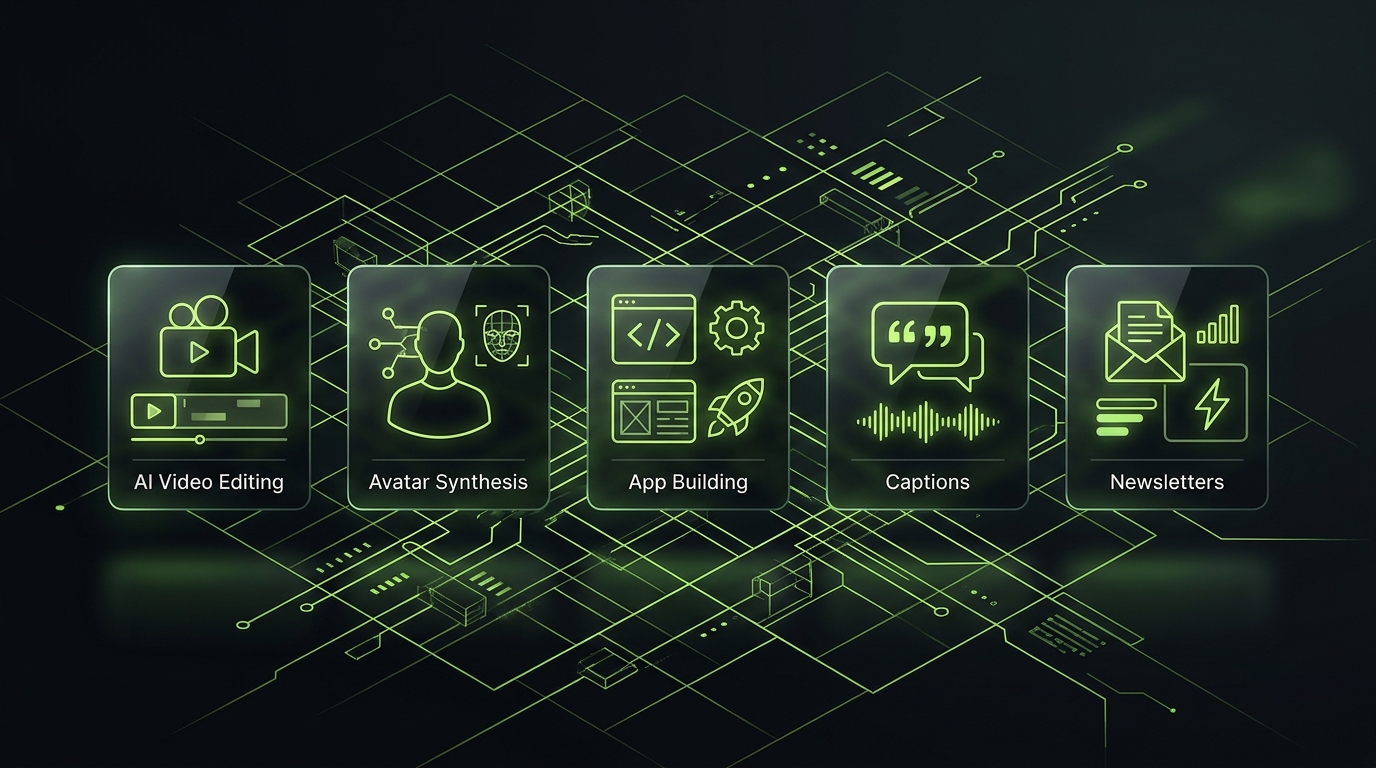
This mid-November 2026 lineup focuses on the five strongest all-rounders in our directory right now: OpusClip for turning long-form recordings into daily vertical clips, HeyGen for studio-grade AI video spokespeople in 175+ languages, Blink for building complete full-stack web and mobile apps from plain English, Submagic for automated high-retention short-form captions and B-roll, and Beehiiv for monetizing owned newsletters.
1. OpusClip: Best for turning long podcasts and YouTube videos into viral Shorts
Editing a 60-minute interview, webinar, or YouTube deep dive down into vertical clips for TikTok, Reels, and YouTube Shorts used to eat half a workday of timeline scrubbing and manual reframing.
OpusClip automates that entire workflow in one pass. Paste a video link or upload raw footage, and ClipAnything AI isolates the strongest hooks, dynamically centers active speakers in 9:16 framing, adds synchronized captions, and scores each clip by Virality Score so you publish your strongest hooks first.
Why try it this week: OpusClip’s latest multi-account scheduler and MCP workflow automation let solo creators batch-produce and queue an entire week of Shorts and LinkedIn clips in under 15 minutes. Compare workflows in Submagic vs OpusClip 2026 or read our OpusClip MCP guide.
Honest limitation: Fast back-and-forth crosstalk between three or more guests can still benefit from a quick crop check inside the built-in editor.
Try OpusClip Free ↗ | Read Full OpusClip Review
2. HeyGen: Best for studio-quality AI avatar videos and global localization
Shooting product walkthroughs, onboarding explainers, and paid social variations on camera slows down every launch, especially when a pricing tier or UI screen changes a week later.
HeyGen turns typed scripts or voice recordings into lifelike presenter videos in minutes. Pick from hundreds of diverse stock presenters or train a digital twin of yourself, then export crisp 4K videos and dub existing footage into 175+ languages with accurate lip synchronization.
Why try it this week: Avatar 5.0 delivers noticeably cleaner hand movements, eye contact, and conversational pacing, making localized ad creatives and product demos look genuinely recorded in a studio. See how it stacks up against alternatives in HeyGen vs Synthesia 2026.
Honest limitation: Custom studio-grade personal avatars and unlimited 4K exports sit behind paid Creator and Team tiers after the free trial.
Try HeyGen Free ↗ | Read Full HeyGen Review
3. Blink: Best for shipping full-stack apps from a single prompt
Most visual no-code platforms stall the moment you need relational databases, user authentication, API routes, and production hosting that scales cleanly.
Blink generates complete full-stack web and mobile applications from plain-English descriptions. Authentication, database tables, payment hooks, and live preview hosting work right out of the box, and you retain full access to clean underlying code.
Why try it this week: Blink’s November updates make iterative UI refinements and custom domain launches fast enough that solo founders are shipping functional SaaS MVPs over a single weekend. Check out our hands-on Blink Review 2026 and our brand-new Blink vs Lovable vs v0 2026 comparison.
Honest limitation: Heavy custom 3D rendering or specialized low-level SDK integrations may still call for exporting your project into Cursor or Windsurf.
Try Blink Free ↗ | Read Full Blink Review
4. Submagic: Best for kinetic short-form captions, zooms, and Magic B-Roll
On TikTok, Reels, and YouTube Shorts, most viewers decide whether to stay or scroll within the first two seconds, often with sound muted.
Submagic gives short-form creators the high-retention editing style of top media channels without manual keyframing. Upload a vertical clip and Submagic automatically adds word-by-word highlighted captions, contextual Magic B-Roll, dynamic zoom cuts, and transition sound effects in roughly 60 seconds.
Why try it this week: Pairing OpusClip for long-video extraction with Submagic for visual hook polish has become the fastest production combo for Q4 creator channels. Walk through the setup in our Submagic AI captions tutorial.
Honest limitation: Submagic is laser-focused on short vertical clips rather than horizontal 30-minute YouTube timelines.
Try Submagic Free ↗ | Read Full Submagic Review
5. Beehiiv: Best for building and monetizing an owned email newsletter
Social reach fluctuates every algorithm tweak, which is why creators and SaaS brands are doubling down on email lists they fully own.
Beehiiv combines fast newsletter publishing with built-in referral growth loops, AI writing and translation helpers, paid subscriptions with 0% platform transaction fees, and an integrated Ad Network that pairs you directly with verified sponsors.
Why try it this week: With a generous free plan up to 2,500 subscribers and automated Boosts monetization once you upgrade, Beehiiv outperforms legacy newsletter platforms on pure creator economics. See our full breakdown in Beehiiv vs Substack 2026 and How to Start a Newsletter with Beehiiv.
Honest limitation: Access to the Ad Network and paid Boosts marketplace requires stepping up from the free Launch tier to a Scale plan.
Try Beehiiv Free ↗ | Read Full Beehiiv Review
This week at a glance
| Tool | Best for | Standout November 2026 Edge |
|---|---|---|
| OpusClip | Long-to-short video repurposing | ClipAnything AI + Virality Score + Scheduler |
| HeyGen | AI spokesperson videos & dubbing | Avatar 5.0 realism + 175+ languages |
| Blink | Full-stack prompt-to-app building | Auth, database & 1-click deployment |
| Submagic | Viral captions & Magic B-Roll | Word-by-word hooks & auto-zooms |
| Beehiiv | Newsletter growth & sponsorships | Ad Network + 0% subscription fees |