Last updated: November 17, 2026 | By: ToolCrush Editorial Team
Most solo founders and small agencies end up stitching together five separate subscriptions just to keep routine operations moving: one tool for inbox triage, another for SEO content, a third for social scheduling, a cold outreach platform, and a phone or calendar assistant. Every tool comes with its own monthly bill, onboarding friction, and context silo.
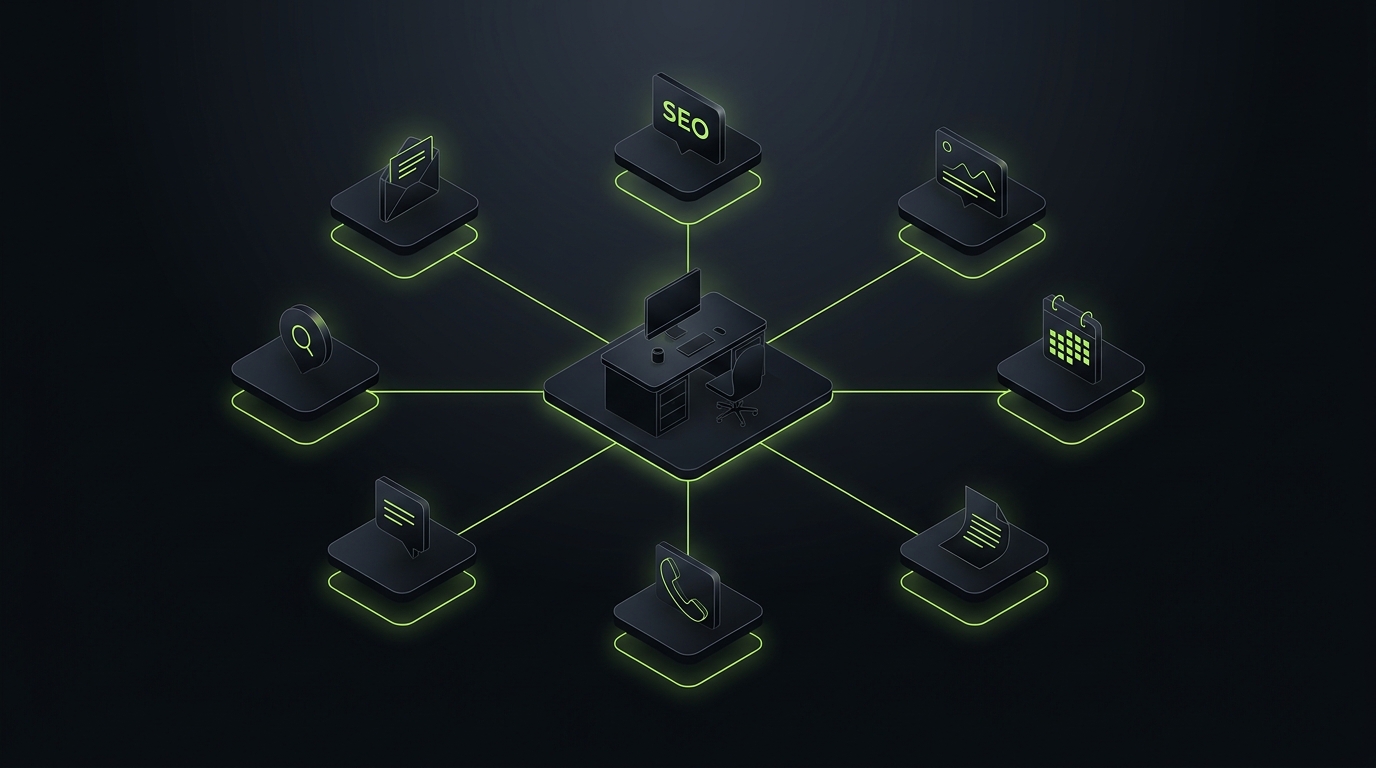
Marblism takes the opposite approach. Instead of selling another blank prompt box or drag-and-drop workflow builder, it gives you a pre-configured roster of seven role-based AI employees inside one shared workspace. Rather than building automations node by node, you onboard a team, connect your apps, and approve work as it gets queued up.
Here is an honest breakdown of what Marblism actually includes in 2026, how its shared 50-hour billing pool works in practice, where the seven agents save real time, and where dedicated specialist software still wins.
Product Overview & Ratings
| Dimension | What Stands Out |
|---|---|
| Core Concept | Bundled workspace with 7 pre-trained AI employees sharing company context |
| Included Roles | Executive assistant, social manager, outbound leads, SEO writer, phone receptionist, web builder, legal assistant |
| Collaboration Features | Shared knowledge Brain, multi-agent Rooms, live browser view, and mobile approval app |
| Integrations | Gmail, Outlook, calendars, WordPress, Webflow, Shopify, Wix, social channels & built-in phone numbers |
| Pricing Structure | $24/month billed annually ($33/mo quarterly, $44/mo monthly) for 50 shared active hours/month |
| Trial Policy | No permanent free tier; covered by a 7-day money-back guarantee |
| Best Suited For | Solopreneurs, lean agencies & small service businesses wanting breadth over deep customization |
| ToolCrush Rating | 4.5 / 5 |
Inside the 7 AI Employees Roster
Every subscription unlocks all seven agents out of the box, connected to a shared company repository (often referred to as the Brain) so brand voice, product details, and guidelines do not need to be re-explained to each tool:
1. Eva (Executive Assistant)
Eva connects to Gmail, Microsoft Outlook, or IMAP inboxes alongside your calendar. She categorizes incoming threads, summarizes long chains, prepares draft replies in your tone, and joins calls for meeting notes. Important guardrail: drafts wait for human review before sending unless you explicitly configure tighter automation rules, which keeps awkward hallucinated replies out of client inboxes.
2. Sonny (Social Media Manager)
Sonny builds content calendars and drafts posts, carousels, and short visual assets across Instagram, LinkedIn, X, Facebook, Pinterest, and Threads. It is well suited for keeping consistent weekly baseline presence across channels, though founders aiming for sharp thought leadership will still want to edit Sonny’s drafts heavily before publishing.
3. Stan (Lead Generation)
Stan taps prospect databases to build lead lists and run personalized cold email and LinkedIn outreach sequences. Having outreach tied directly into the same workspace saves small teams from paying separately for a basic sequencer, though dedicated high-volume sales teams will still want granular domain warm-up and deliverability tooling.
4. Penny (SEO Expert)
Penny handles keyword research, light site audits, and long-form SEO drafts that can push straight to WordPress, Webflow, Shopify, or Wix. For small business blogs trying to publish steady informational articles without hiring a separate content stack, Penny removes a lot of copy-paste busywork. For competitive editorial SEO or technical audits, a specialized platform like Alli AI gives you finer control.
5. Rachel (Phone Receptionist)
Rachel is one of the strongest differentiators in the bundle. She answers inbound calls 24/7 with dedicated local phone numbers across the US, UK, Canada, Australia, and Mexico, qualifies callers, books appointments, and transfers urgent calls when needed. For local service operators or solo consultants who miss calls during client work, Rachel alone often justifies testing the platform.
6. Walter (Website Builder) and Linda (Legal Assistant)
Walter helps spin up and update company web pages, while Linda handles first-pass contract drafting and agreement reviews. Both are handy utility players inside the bundle, though neither replaces a dedicated developer for complex custom apps or an actual attorney for high-stakes agreements.
What Makes the Workspace Practical: Rooms & Live Browser
Two underlying features keep Marblism on ToolCrush from feeling like seven disconnected chatbots:
- Multi-Agent Rooms: You can pull multiple AI employees and human teammates into a single shared room to collaborate on a launch or campaign, complete with a one-click stop control if an agent goes off track.
- Live Browser Execution: When an external platform lacks a native API connection, Marblism’s agents can operate through a visible live browser session you can watch and step into.
- Mobile Review Queue: Quick approval workflows on mobile make it realistic for busy founders to scan drafted emails, social posts, and call summaries in five minutes between meetings.
Pricing & the 50-Hour Pool Reality Check
Unlike AI tools that charge per seat, Marblism bundles unlimited team members and unlimited businesses into one flat subscription tied to 50 hours of active AI work per month:
- Annual Billing ($24/month): Best value if you plan to make Marblism a core operational habit (billed annually around $288).
- Quarterly Billing (~$33/month): Middle ground for testing across a full quarter before committing for a year.
- Monthly Billing ($44/month): Flexible month-to-month option if you want low upfront commitment.
Chatting with agents and configuring instructions does not burn hours, while active execution (writing drafts, scraping leads, running browser actions, handling phone calls) draws from the 50-hour pool. Higher-hour tiers (70, 100, or 150 hours) and top-ups exist for heavy teams, and unused hours do not roll over at the end of the month. Note that there is no free tier; instead, new accounts are backed by a 7-day money-back guarantee.
Where Marblism Shines vs. Where It Falls Short
What Works Well
- Genuine Consolidation Value: Getting an AI receptionist, inbox drafter, social planner, SEO publisher, and lead finder at $24 to $44/month undercuts buying five separate SaaS subscriptions by hundreds of dollars a month.
- Fast Onboarding Without Workflow Spaghetti: Non-technical founders do not need to learn webhook logic or JSON mapping just to get daily email summaries and scheduled content running.
- Unlimited Teammates & Workspaces: Agencies or operators juggling multiple small brands do not get penalized with per-seat fees.
- Human Approval Checkpoints: Keeping drafts queued for review protects your brand reputation while still eliminating 80% of blank-page effort.
Real Drawbacks to Consider
- Breadth Over Best-in-Class Depth: Every specialist category has deeper standalone competitors. Dedicated growth teams living inside Slack or Discord who want custom code execution, Python data pulls, and 3,200+ API triggers will get more engineering power from Viktor (see our Viktor review).
- No Free Tier to Experiment Risk-Free Without a Card: You have to put a card down and evaluate within the 7-day refund window, rather than poking around a permanent free sandbox.
- Unused Monthly Hours Expire: Light users who only use 15 hours in a quiet month lose the remaining 35 hours when the billing cycle resets.
- Drafts Still Need Taste: Automated SEO posts, cold emails, and social captions still benefit from five minutes of human editing so your brand does not sound generic.
Final Verdict: Who Should Use Marblism?
If you are an engineering-heavy team wanting custom code sandboxes and deep internal ops scripting inside Slack, Marblism is not built for that workflow.
Where Marblism genuinely earns its spot is as an all-in-one operational back office for solo founders, consultants, small service businesses, and lean agencies. For $24 to $44 a month, getting a 24/7 phone receptionist, inbox triage, CMS-connected SEO publishing, and social scheduling in one clean workspace is hard to beat on pure practical value. Just use the first seven days intentionally: connect your actual inbox, CMS, and calendar right away so you can judge output quality before your refund window closes.
Frequently Asked Questions
Does Marblism offer a free trial or free plan?
No, Marblism does not have a permanent free tier. Instead, paid plans start at $24/month billed annually ($44/month billed monthly) and come with a 7-day money-back guarantee so you can test the workspace on real tasks.
How does the 50 hours per month limit work in Marblism?
All seven AI employees share a monthly pool of 50 active work hours on the base plan. Chatting with agents or adjusting settings does not consume hours, while active background work such as phone calls, outreach, drafting articles, and browser tasks counts against the pool. Unused hours do not roll over to the next month.
Can Marblism send emails and publish blog posts automatically without review?
By default, agents prepare drafts for human approval inside your queue or mobile app so you stay in control of client-facing messages. For publishing workflows like WordPress, Webflow, Shopify, or social channels, you can choose between manual approval and scheduled auto-publishing.
What is the difference between Marblism and Viktor?
Marblism is built around seven pre-packaged business roles (inbox assistant, phone receptionist, SEO writer, social manager, lead gen, web builder, and legal helper) inside its own workspace for founders and small businesses. Viktor lives natively inside Slack, Microsoft Teams, or Discord and acts as a programmable coworker with a cloud Python sandbox and 3,200+ app integrations.
Are extra team members charged per seat on Marblism?
No. Marblism plans include unlimited team members and unlimited workspaces, all drawing from your shared monthly AI work hour pool.